- Computing
- Gaming Computers
The PC life is so much easier now
When you purchase through links on our site, we may earn an affiliate commission. Here’s how it works.
 (Image credit: Future / Isaiah Williams)
- Copy link
- X
- Threads
Multitasking while gaming is typical for many PC users, and certainly so for me. Being able to keep tabs on YouTube videos or, most importantly (in this case), stream to friends in Discord, breathes life into my game activities, especially when diving into an MMO or multiplayer shooter — or in better terms, a game where I don't have to pay full attention.
However, such multitasking comes at the cost of game performance, particularly on lower-end hardware (or specifically, PCs with 8GB of RAM). Discord, Google Chrome, Firefox, Spotify, you name it, can all significantly impact RAM and CPU usage, depending on how many tasks are running simultaneously.
Google Chrome is the worst offender, as simply running a single YouTube video in one tab can use up to 1GB of memory (sometimes even more than that), and almost 4GB for the application overall. Fortunately, I have a beefy system running with 32GB of DDR4 RAM, so I can count myself lucky, especially in a period where affordable memory is hard to come by.
Latest Videos FromWatch full video here:

With spare PC parts readily available, came the idea of a dual-PC setup, accompanied by a capture card and a secondary Corsair Xeneon Edge screen. This would allow me to completely shift all of my side activities, including game streaming on Discord, onto a separate system, leaving my main system's hardware solely focused on gaming.
I've built it, installed Bazzite (essentially a SteamOS clone), and it's easily the best decision I've made as a PC gamer in years. Here's how it's changed my PC experience.
You may like-
 'Building a PC in 2026 is an absolute treat': I asked ChatGPT and Gemini to pick my perfect gaming rig, and it nearly cost me my sanity
-
 The best gaming PC 2026
-
 'Just use the manual': I followed ChatGPT's PC-building instructions, and all I got was a huge headache and a schooling on prompting
The setup was arduous, but streaming is easier now
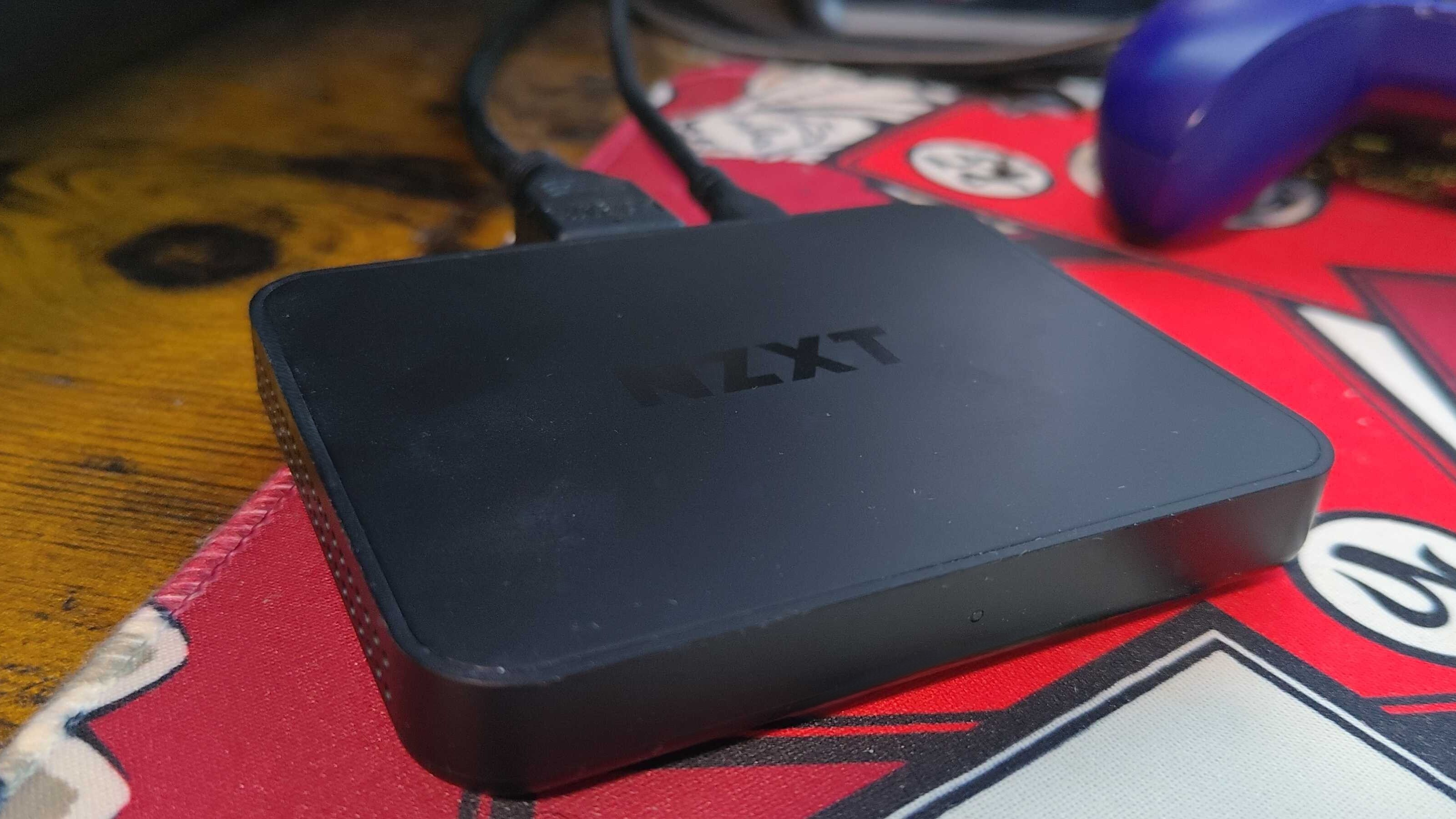
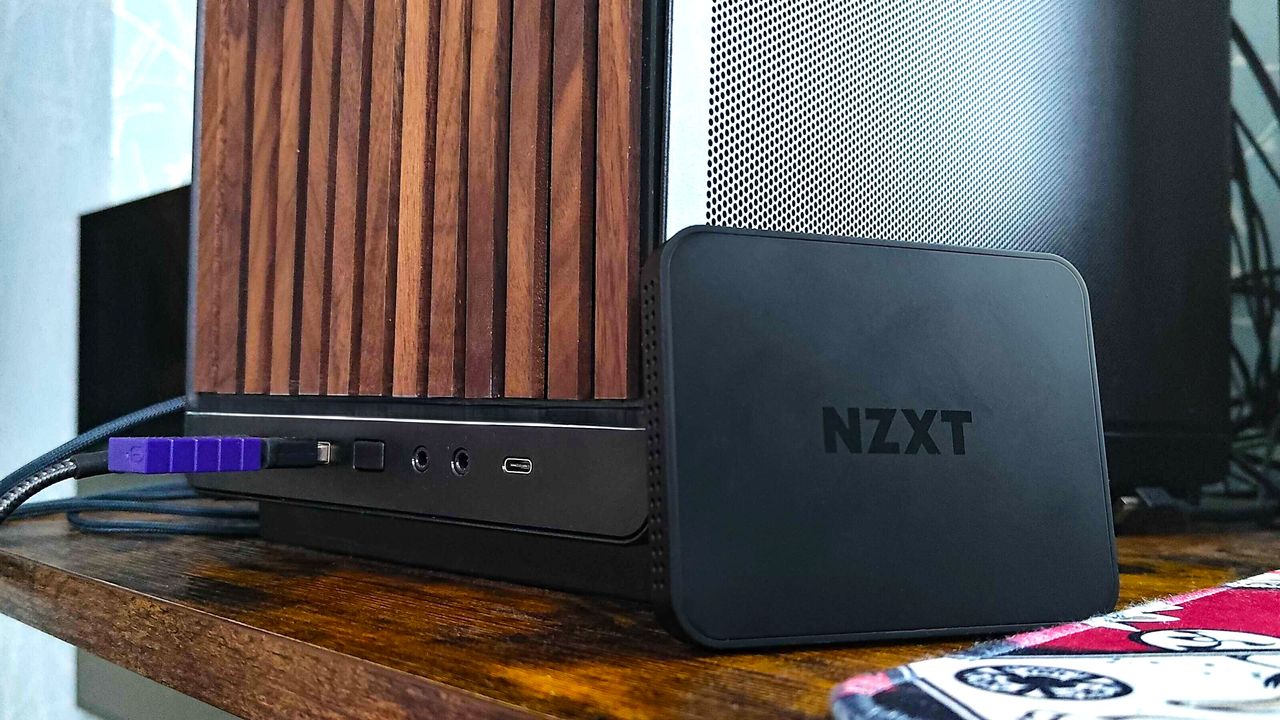
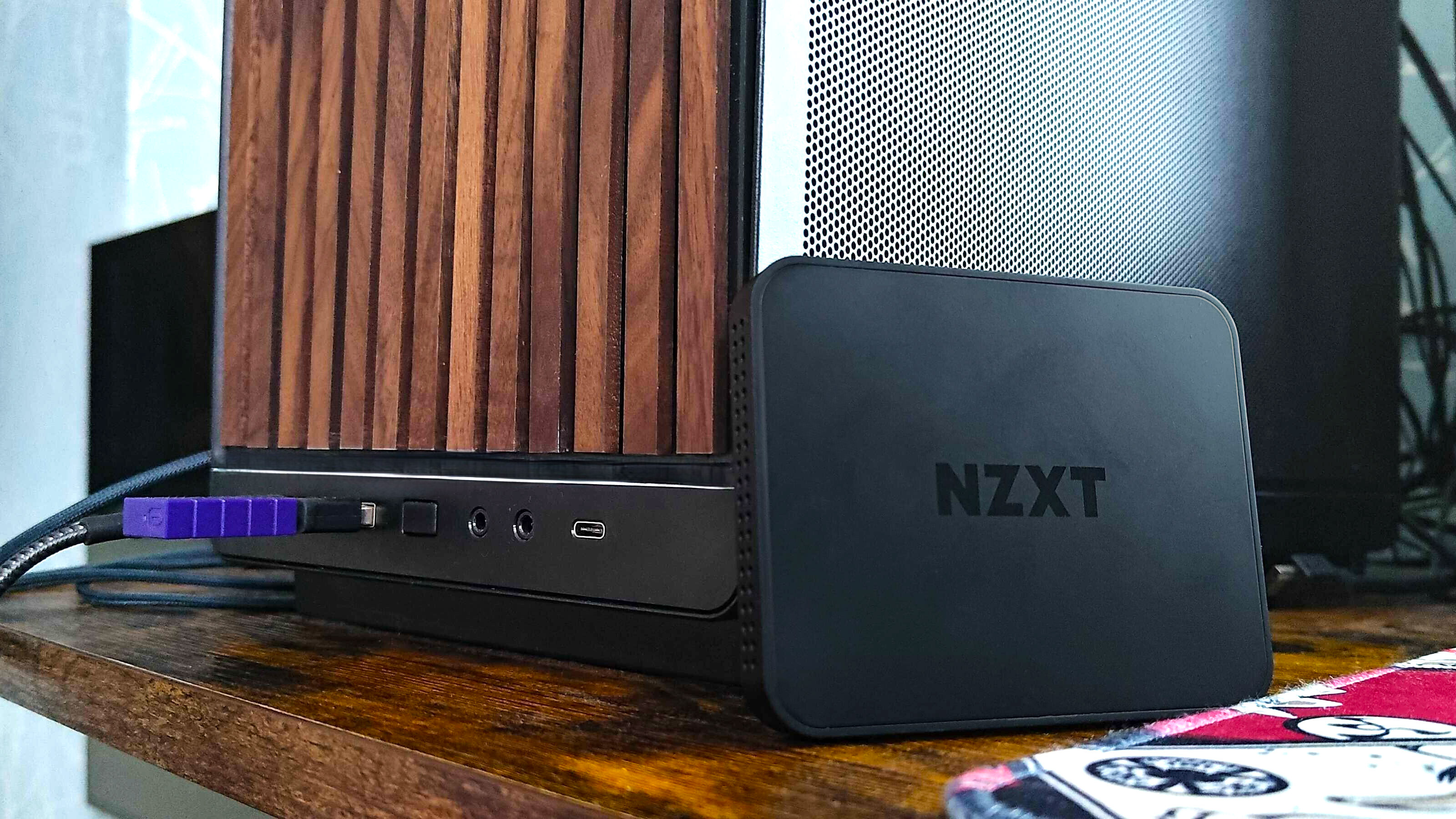
To get the setup started, you simply connect your main gaming PC's GPU (which is the source of what you'll be streaming) to the NZXT Signal 4K30 capture card's 'HDMI In' port via an HDMI cable. Then, connect the included USB Type-C cable into the 'Type-C' port on the capture card, and the USB-A end of the cable into the second streaming PC, and you're good to go.
The sole purpose of this capture card setup is to allow a separate PC to capture activity from another gaming PC, and this works with other systems like consoles. Ultimately, the goal is to offload the burden of your gaming PC using more resources to stream on the same system, and instead, allow the streaming PC to handle those tasks.
Get daily insight, inspiration and deals in your inboxContact me with news and offers from other Future brandsReceive email from us on behalf of our trusted partners or sponsorsBy submitting your information you agree to the Terms & Conditions and Privacy Policy and are aged 16 or over.Capture cards are especially helpful for devices like the Nintendo Switch 2, where streaming to Twitch, YouTube, or Discord isn't possible natively, but in this case, the focus is simply on reducing the workload for the main gaming PC.
When streaming on Discord, you'll find your capture card as an option within the 'Devices' tab when attempting to share your screen. Besides a few hiccups here and there, the stream quality is great at either 1440p or 4K, with the former capable of 60fps.
I must stress that my particular setup case was a bit of a nightmare. Using an HDMI passthrough is the recommended route in a setup such as this, as it allows you to transmit video and audio to your main display for gaming, with zero latency, while providing the same for streaming on the capture card.
What to read next-
 Valve Steam Controller (2026) review
-
 The best budget gaming PC 2026
-
 The best Steam Deck alternatives: top picks to play on the go
It's unclear whether the unit I used was faulty, but the Signal 4K30 would consistently force a 1080p 60fps output via HDMI passthrough on my LG UltraGear 45GS95QE ultrawide, without any higher resolutions available.
Image 1 of 2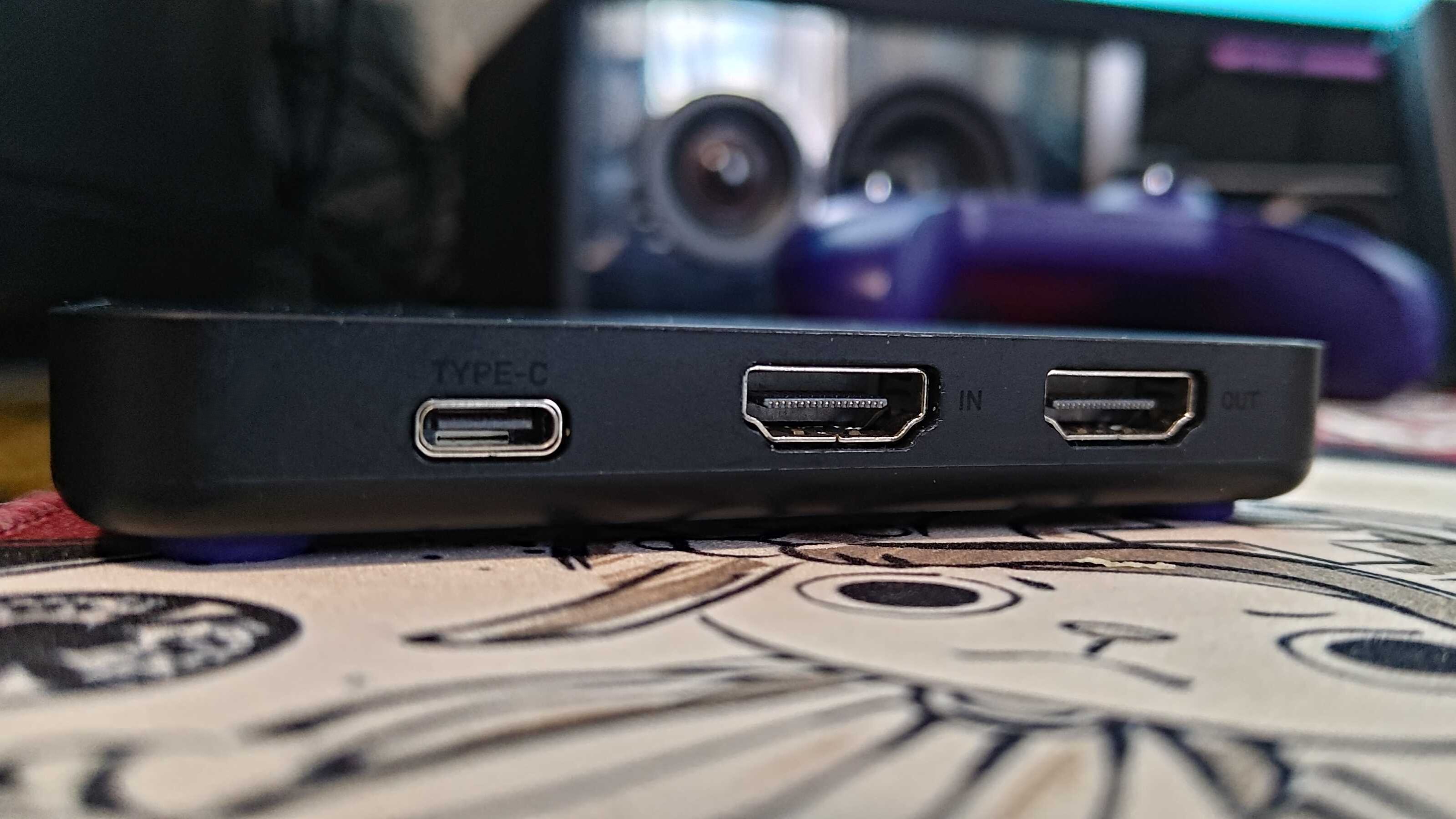 Ports on NZXT Signal 4K30 (Image credit: Future / Isaiah Williams)
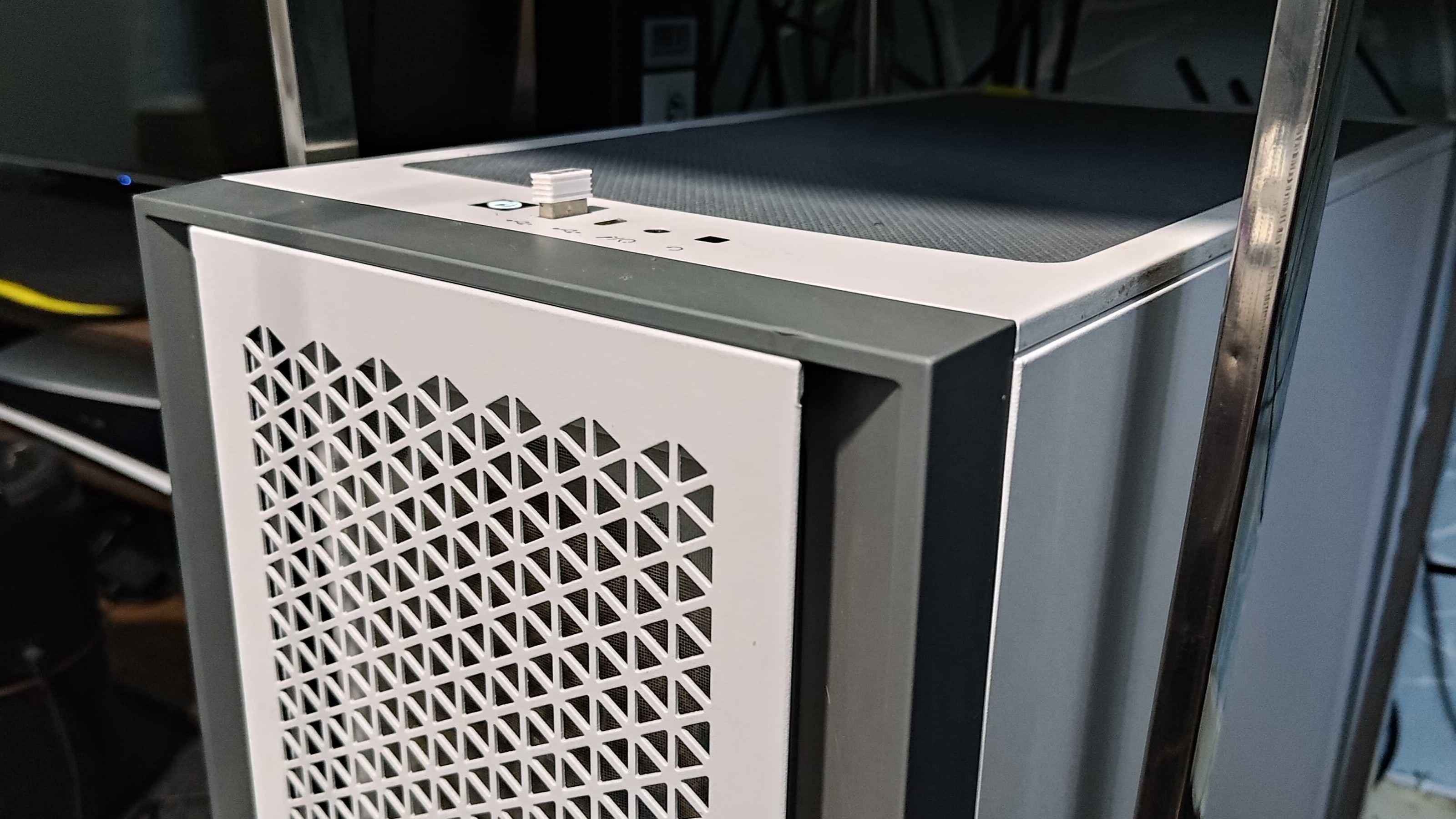 2nd streaming PC(Image credit: Future / Isaiah Williams)
Without much luck using HDMI passthrough, the easiest alternatives included duplicating my main display via Windows' display settings, or using the OBS projector option (labelled 'Open Preview Projector'), and since the latter has very little to no impact on system resources, it was the easier way to go.
The biggest advantage of the OBS projector option is that there is no constraint on the resolution or refresh rate available, which is usually limited using HDMI passthrough on a capture card (which would be 4K 60fps with the NZXT card), so I had full access to my display's 240Hz refresh rate while gaming.
Multitasking is now a complete breeze, as I can watch other friends stream while doing so simultaneously, without the potential performance dips, especially when playing unoptimized games or those with demanding system requirements.
It's also my custom Steam Machine
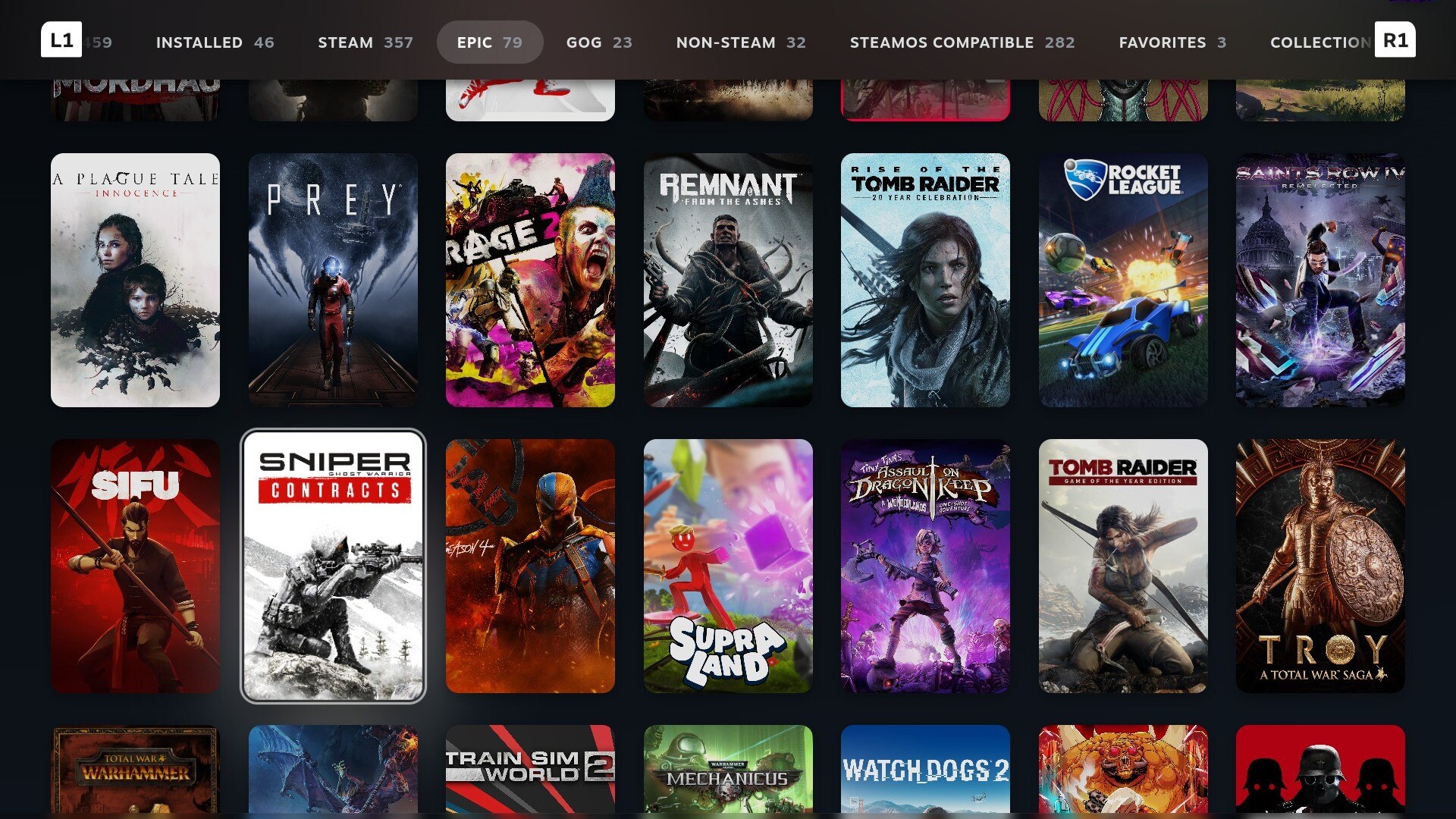
Whenever I need a console-like gaming experience, this 2nd PC now acts as a separate custom Steam Machine, but one that's even more powerful than what Valve is poised to deliver.
With the AMD Ryzen 5 5600x 6-core processor and an AMD Radeon RX 9060 XT 16GB GPU, it's a build that's powerful enough to provide great performance at 4K when upscaling.
The only Steam Machine-like feature that's missing is the small form factor chassis to house the components, but it's a very tough ask to find a PC case as small as the Steam Machine's that will fit a full-sized desktop GPU — and if you can, it's not going to be cheap.

What actually makes this a custom Steam Machine is Bazzite, which runs like an absolute dream on PCs with AMD hardware. While there's the handicap of certain games not being compatible on Linux due to anti-cheat complications, that's exactly what my main Windows 11 gaming PC is at the ready for.
Using tools like Decky Loader quite literally transforms the SteamOS gaming mode experience into that of a custom console, as several plugins can change the UI, boot videos, navigation sounds, and more. You could turn your interface into that of GameCube or a PS5 if you wanted, and that's what makes it so special.
Just to reiterate, none of this would have been possible if not for my lucky case scenario of having spare parts, as this build would easily cost at least $1,000 / £1,000 / AU$1,400, and the 16GB of RAM would likely eat up a significant chunk of the cost.
Building this system has completely revitalized my PC gaming experience, and it's hard to look back, especially once Valve further optimizes SteamOS for desktop PC users.

Follow TechRadar on Google News and add us as a preferred source to get our expert news, reviews, and opinion in your feeds.
TOPICS Linux CATEGORIES Computer Gaming Accessories Isaiah WilliamsSocial Links NavigationStaff Writer, Computing
Isaiah is a Staff Writer for the Computing channel at TechRadar. He's spent over two years writing about all things tech, specifically games on PC, consoles, and handhelds. He started off at GameRant in 2022 after graduating from Birmingham City University in the same year, before writing at PC Guide which included work on deals articles, reviews, and news on PC products such as GPUs, CPUs, monitors, and more. He spends most of his time finding out about the exciting new features of upcoming GPUs, and is passionate about new game releases on PC, hoping that the ports aren't a complete mess.
View MoreYou must confirm your public display name before commenting
Please logout and then login again, you will then be prompted to enter your display name.
Logout Read more
ChatGPT
'Building a PC in 2026 is an absolute treat': I asked ChatGPT and Gemini to pick my perfect gaming rig, and it nearly cost me my sanity
Gaming PCs
The best gaming PC 2026
ChatGPT
'Just use the manual': I followed ChatGPT's PC-building instructions, and all I got was a huge headache and a schooling on prompting
Peripherals & Accessories
Valve Steam Controller (2026) review
Gaming PCs
The best budget gaming PC 2026
Gaming Accessories
The best Steam Deck alternatives: top picks to play on the go
Latest in Gaming Computers
 Gaming PCs
The wildest and weirdest gaming PCs of Computex 2026
Gaming PCs
The wildest and weirdest gaming PCs of Computex 2026
 Gaming PCs
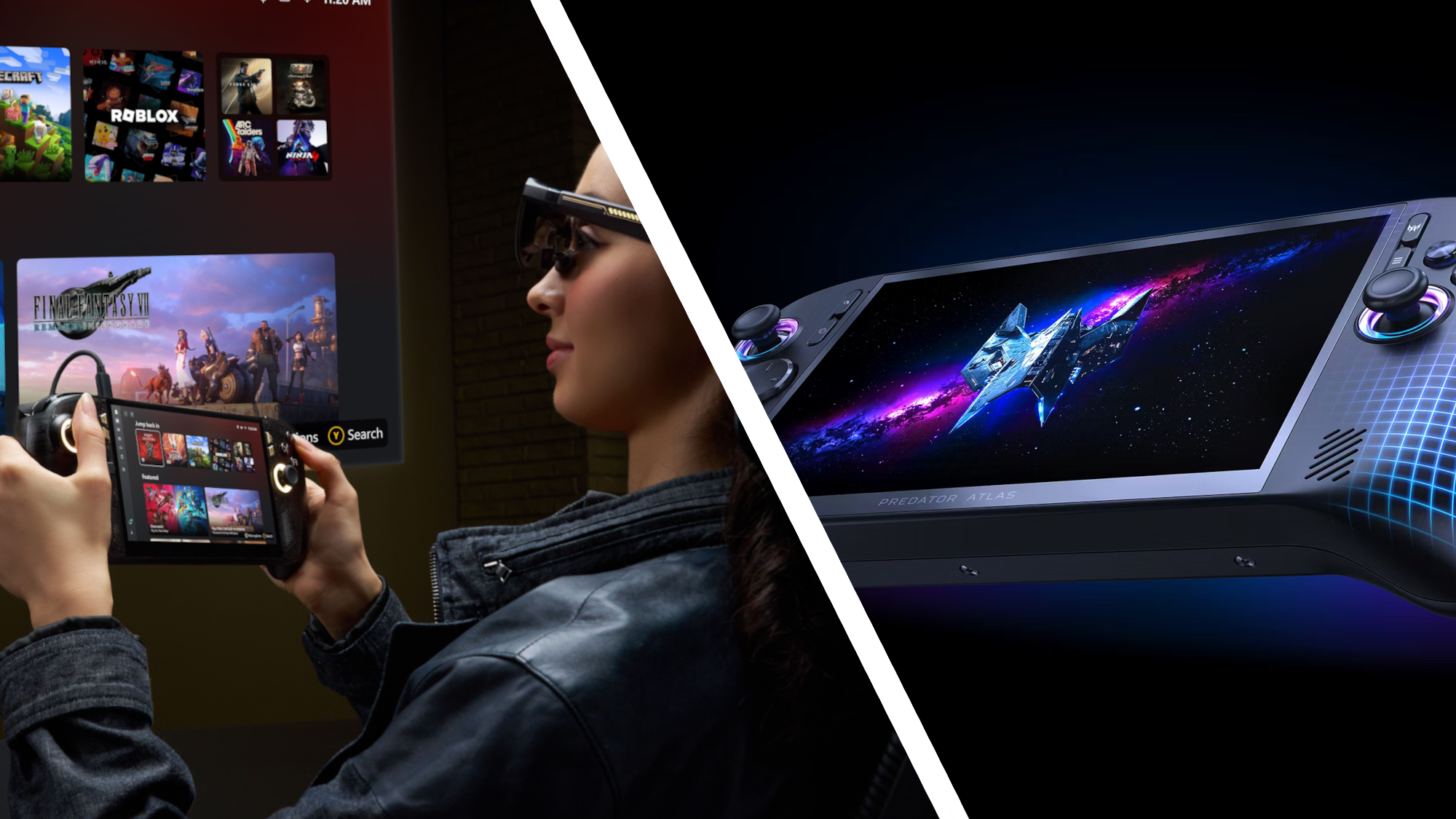
2026 is the year of handheld gaming, and Computex reveals are proof alone
Gaming PCs
2026 is the year of handheld gaming, and Computex reveals are proof alone
 Keyboards
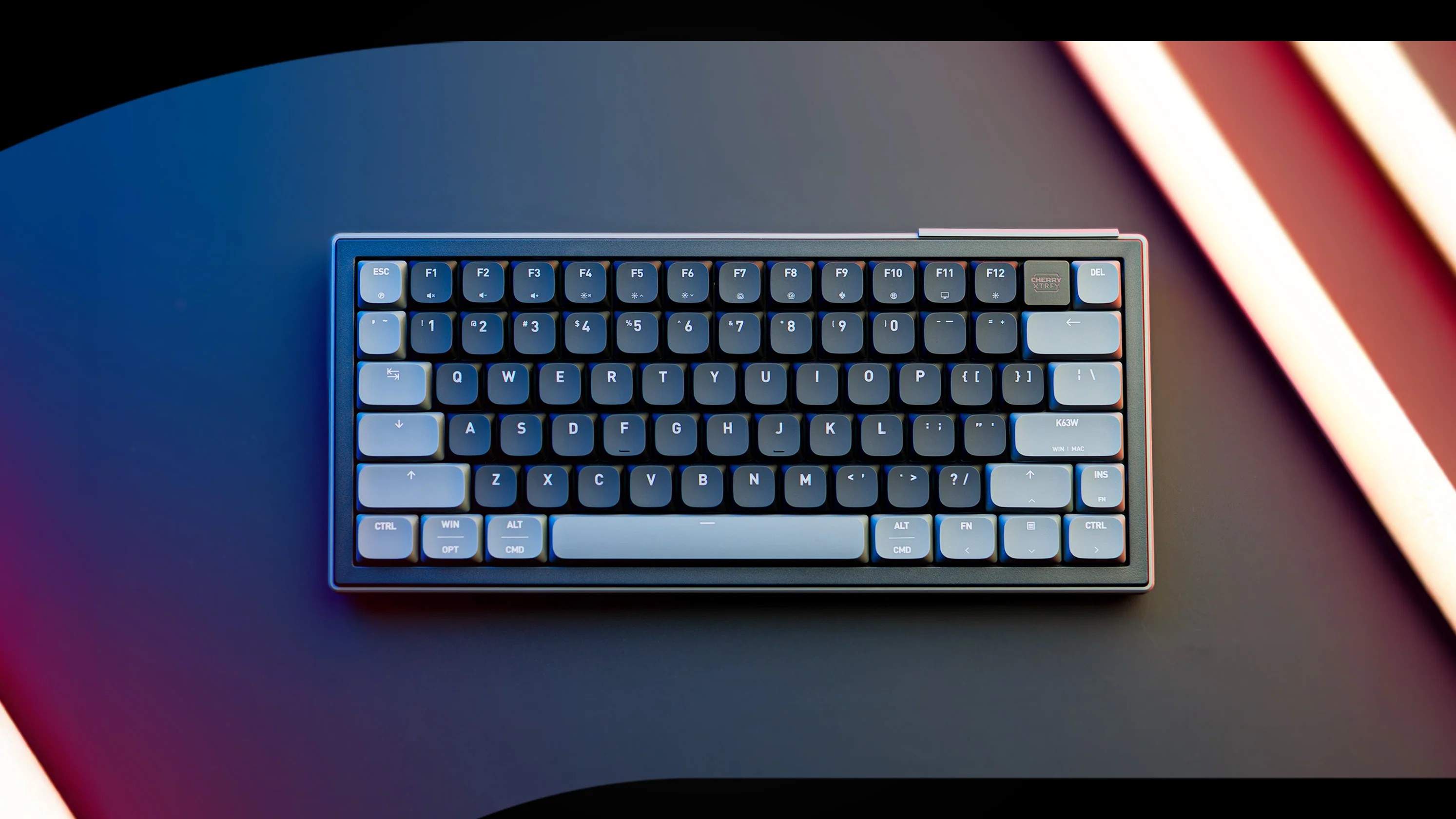
Cherry's new Ultra-Wideband K63W promises to end gaming keyboard latency
Keyboards
Cherry's new Ultra-Wideband K63W promises to end gaming keyboard latency
 Gaming PCs
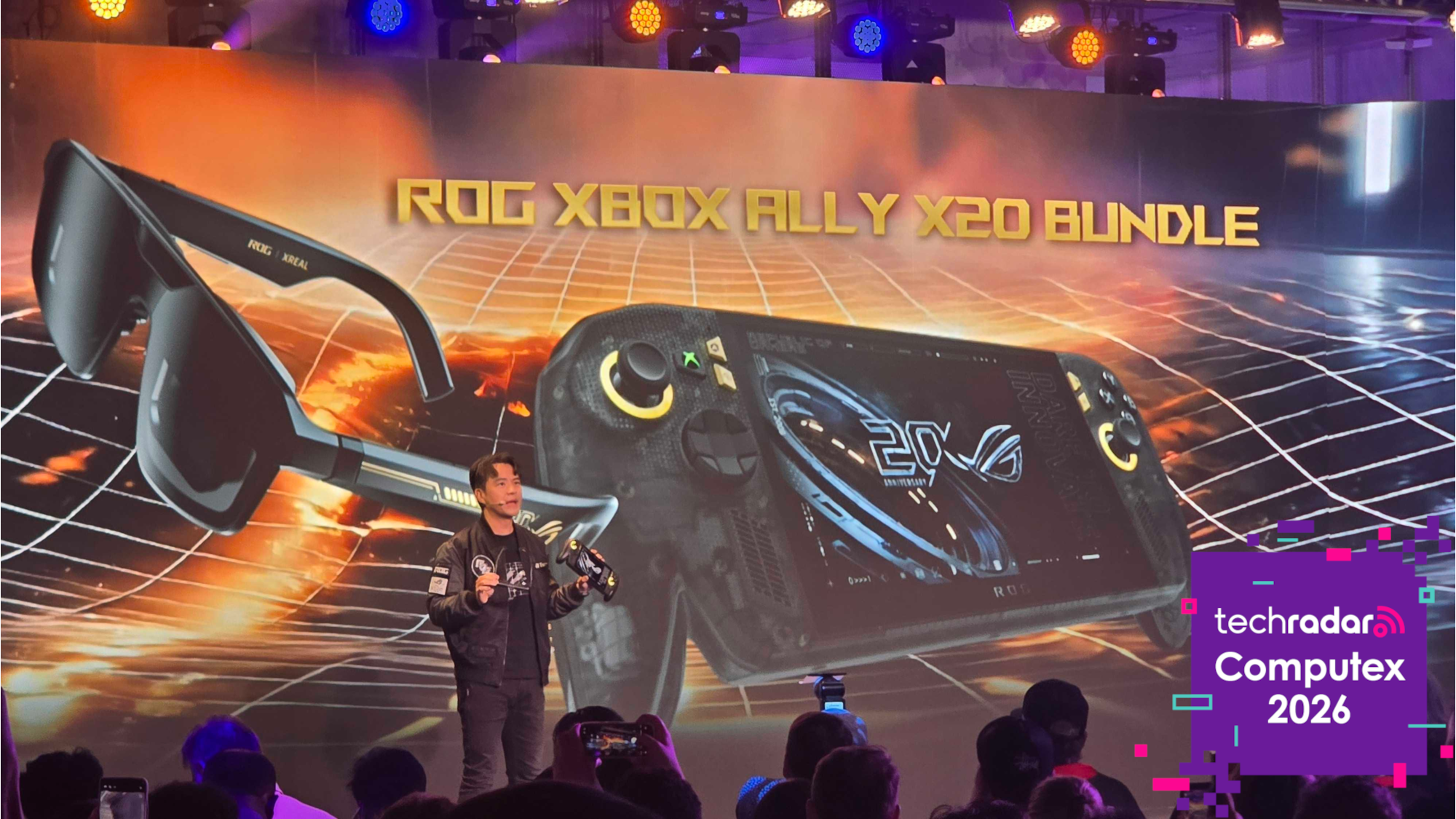
Asus just announced a new handheld at Computex, but one question remains
Gaming PCs
Asus just announced a new handheld at Computex, but one question remains
 Gaming PCs
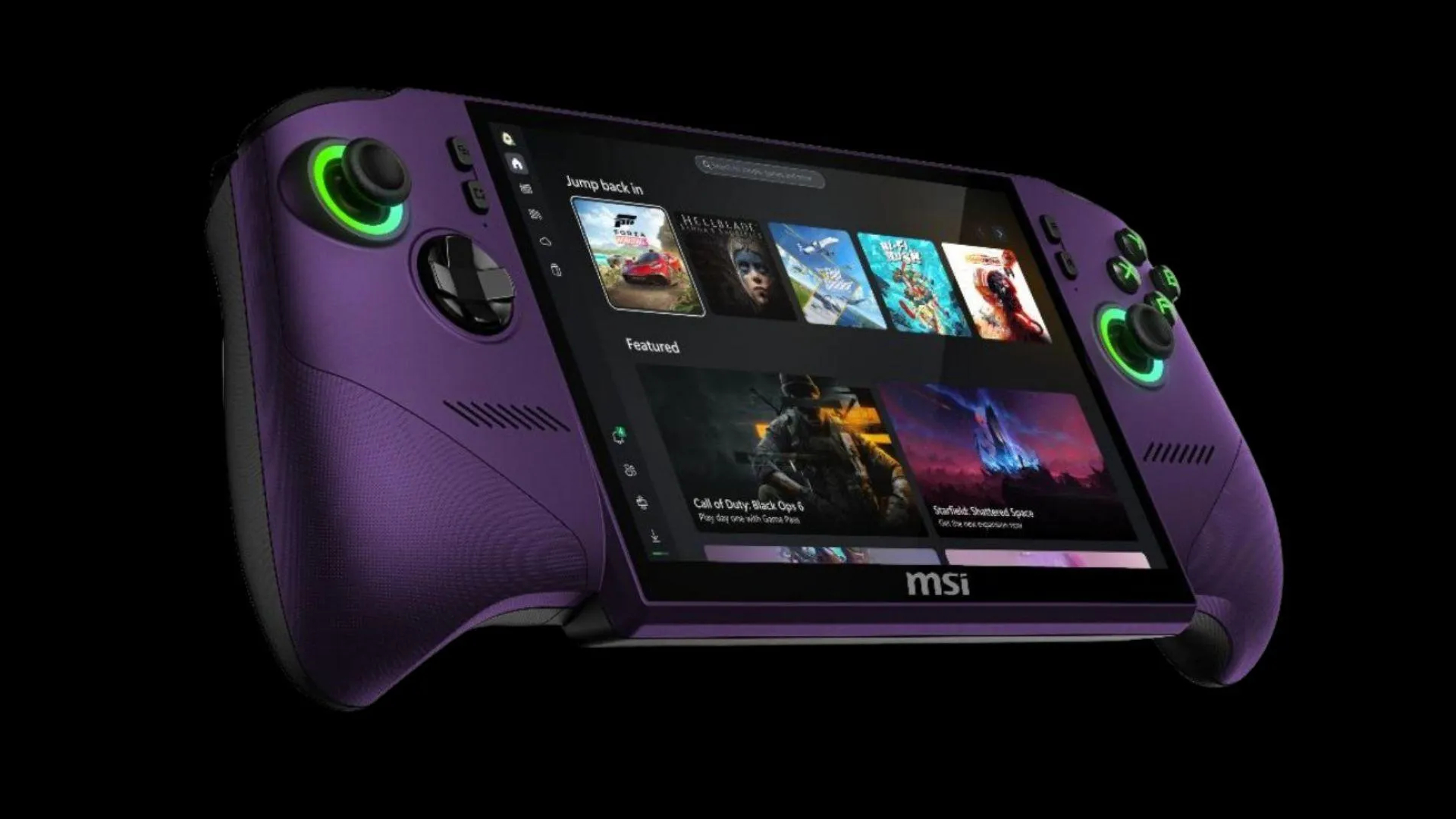
MSI Claw 8 EX AI+ with Intel Arc G3 Extreme inside revealed at Computex 2026
Gaming PCs
MSI Claw 8 EX AI+ with Intel Arc G3 Extreme inside revealed at Computex 2026
 Playstation
PS5 PC ports are done for, as PlayStation pulls the plug to protect brand
Latest in Features
Playstation
PS5 PC ports are done for, as PlayStation pulls the plug to protect brand
Latest in Features
 Monitors
Best monitors of Computex 2026: top new displays you need to know about
Monitors
Best monitors of Computex 2026: top new displays you need to know about
 Gaming
September will make the GTA 6 wait much easier, with three huge releases
Gaming
September will make the GTA 6 wait much easier, with three huge releases
 ChatGPT
I used ChatGPT to enhance my resume and job hunt
ChatGPT
I used ChatGPT to enhance my resume and job hunt
 Laptops
‘Transcends traditional boundaries of PC design’ — HP and Ferrari have teamed up for a $5,600 laptop, and I got to see it
Laptops
‘Transcends traditional boundaries of PC design’ — HP and Ferrari have teamed up for a $5,600 laptop, and I got to see it
 Gaming
Forget Marvel's Wolverine and God of War Laufey — I’ve played Onimusha's sword-fighting State of Play demo, and I think it could be the sleeper hit of 2026
Gaming
Forget Marvel's Wolverine and God of War Laufey — I’ve played Onimusha's sword-fighting State of Play demo, and I think it could be the sleeper hit of 2026
 Tech
These 12 Lego Pokémon sets finally get Smart Play right
LATEST ARTICLES
Tech
These 12 Lego Pokémon sets finally get Smart Play right
LATEST ARTICLES- 1With GTA 6 Online, Rockstar has a chance to free players from its greatest vehicular mistake
- 2I'm done with multitasking on a single PC, and I'm tired of waiting for Valve — so I built a custom Steam Machine, and here's what it has changed for me
- 35 things to expect at WWDC 2026 — from Siri 2.0 to Tim Cook's Apple farewell
- 4Nvidia’s RTX Spark sounds almost perfect for a PC handheld — too bad Jensen Huang doesn’t seem to care about that
- 5Meta AI's recent hack is a terrifying wake-up call for anyone who puts their trust in AI systems